Top 6 monday.com Alternatives in 2026
Discover 6 monday.com alternatives to help your team choose the best collaborative planning software for effective project management.

Finding collaborative planning software that fits team needs without unnecessary complexity or limits is harder than it should be. Many current platforms gate key functions behind expensive tiers or lock teams into fixed workflows. This comparison shows how six monday.com alternatives stack up on features, pricing, and flexibility so teams can match a tool to their process and budget.
Table of Contents
SwarmStack
At a Glance
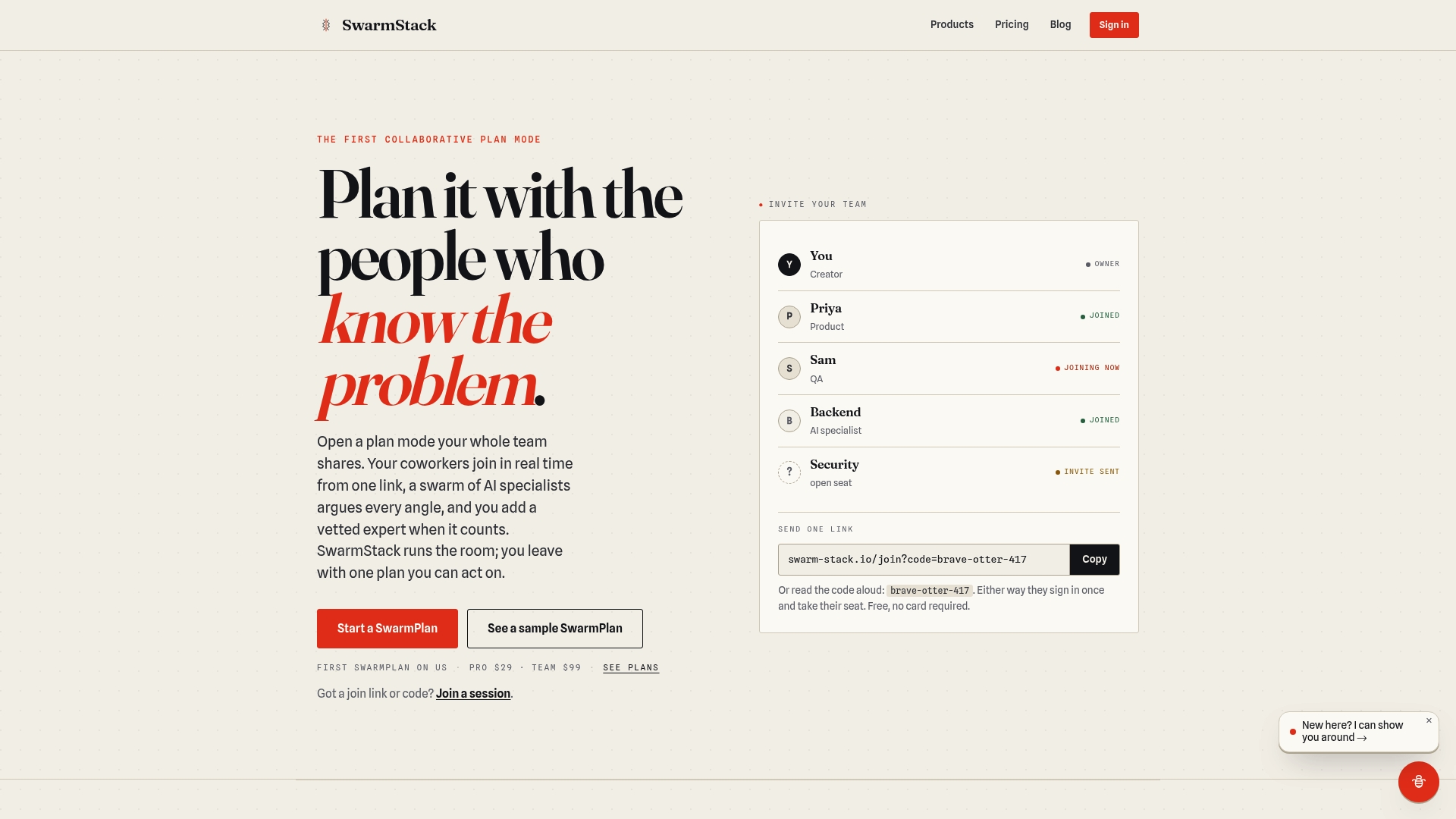
SwarmStack orchestrates round-by-round contention among AI specialists and human experts, so teams can run structured sessions that end with artifacts tagged by argument history and ready for implementation. The platform groups participants into real-time collaborative rooms and supports joining via a single invite link. Outputs are versioned deliverables that preserve decision rationales.
Core Features
SwarmStack runs multistep argumentation rounds that mix AI specialists and human experts and preserves each contention in a versioned artifact. The suite includes SwarmPlan for software planning, SwarmRFP for buyer-side proposals, and SwarmSurvey for conversational feedback. Sessions use real-time rooms with integrated discussion and conflict resolution and a marketplace for vetted human experts.
Key Differentiator
SwarmStack keeps the full argument history with each deliverable so you can trace why a choice was made and revert or re-run debates when requirements shift. That contention-preserving record makes the final plan or RFP auditable and reduces guesswork during handoffs. Teams that need documented rationales will find this approach changes how decisions are reviewed and transferred across teams.
Pros
The platform forces explicit contention and records rationales, which reduces ambiguous handoffs between product managers and engineers. Combining AI specialists with human experts raises the depth of recommendations because AI proposals get challenged and refined by real people. Offering separate products for planning, RFPs, and surveys lets teams pick the workflow that matches their deliverable type. The vendor also states enterprise-grade security and a focus on data privacy as part of its methodology.
Cons
- Relies on structured argumentation, so decision cycles can take longer than instant AI responses for straightforward tasks.
Notable Integrations
SwarmStack lists integrations with GitHub and Jira for passing artifacts into development workflows. Those links let you attach versioned plans to issue trackers or repositories and keep implementation work tied to the argument-backed deliverable.
Who It's For
Teams and organizations engaged in software development, procurement, or strategic planning that require transparent, argument-based decision records. Product managers, procurement leads, and cross-functional teams who must justify vendor choices or feature tradeoffs will get the most value from SwarmStack.
Unique Value Proposition
Session links that assemble AI specialists and human experts into a single live room let teams produce deliverables that are both debated and versioned. That workflow shifts time from unstructured chat to formal rounds of contention and delivers a final artifact with embedded rationale. For teams trading ambiguous chat logs for reviewable decisions, this reduces rework after handoff.
Real World Use Case
A product team uses SwarmPlan to scope a new feature. AI specialists propose architectures and product managers propose tradeoffs. Humans argue the requirements in rounds and the group ends with a versioned specification that lists the winning arguments and rejected options.
Pricing
SwarmStack offers a Pro plan at $29 per month and a Team plan at $99 per month, plus free trial options. The vendor states additional fees apply for hiring vetted experts and for enterprise features.
Website: https://swarm-stack.io
Planyway
At a Glance
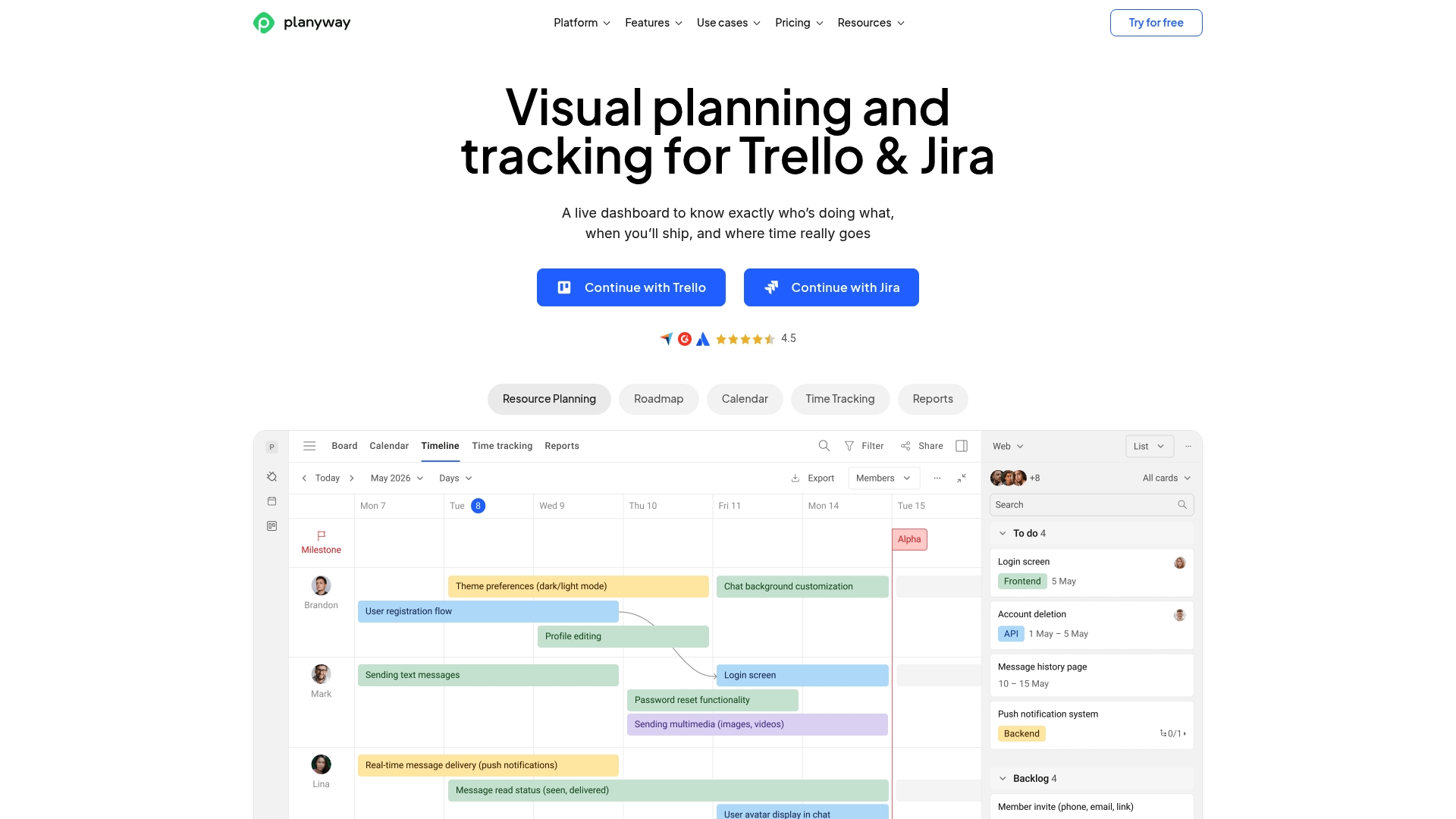
Among monday.com alternatives, Planyway syncs timelines and workloads across Jira and Trello so teams see a unified schedule. The interface focuses on visual project oversight and workload balancing. That orientation makes planning across linked boards and repositories fast to inspect and adjust.
Core Features
Planyway provides a Timeline view for roadmaps and progress tracking, and it layers workload balancing to show each team member's capacity. The tool offers calendar integration and both manual and automatic Time tracking, which helps record effort and deadlines. Dependency linking and milestone setting let teams map task relationships and watch for blockers as projects evolve.
Key Differentiator
Planyway's standout trait is its deep visual integration with Jira and Trello combined with resource and dependency management tools. That focus suits teams that keep work inside those platforms and need a single visual plane for planning. The approach narrows the audience to groups that prioritize board-based workflows and timeline visibility.
Pros
Planyway delivers powerful timeline and dependency views that make complex schedules readable at a glance, and those visuals clarify which tasks block others. It integrates well with Jira, Trello, and GitHub, so teams can keep their existing issue tracking while adding a planning layer. The workload features let managers reassign tasks to avoid overload, and calendar syncing helps align deadlines across Outlook or Google calendars.
Cons
- The interface can feel complex for new users who lack experience with visual project planning.
- Offline work is limited because Planyway relies on cloud connectivity.
- Pricing may be high for very small teams or single users when paid plans are required.
When It May Not Fit
Planyway may overwhelm teams unfamiliar with visual scheduling tools. Organizations that need robust offline access will find the cloud dependency restrictive. Very large projects can affect performance, so companies with massive datasets should test responsiveness before committing.
Notable Integrations
- Jira
- Trello
- GitHub
- Outlook Calendar
- Google Calendar
Who It's For
Teams and project managers using Jira or Trello who need detailed visual planning and resource management benefit most. Typical fits are groups with five or more members that map sprints, releases, or cross functional calendars. Small solo users or teams that require offline editing are less likely to gain full value.
Real World Use Case
A software development team uses Planyway inside Jira to map sprints and sequence dependencies across epics. They balance workloads to prevent bottlenecks and add milestones to mark release dates. The timeline view helps stakeholders track progress without leaving their issue tracker.
Pricing
Planyway offers a free tier and paid plans that start at $4 per user/month. The pricing page lists feature differences by tier, so teams can compare calendar sync, time tracking, and advanced workload controls. Volume discounts or enterprise terms are available through the vendor.
Website: https://planyway.com
Workplate
At a Glance
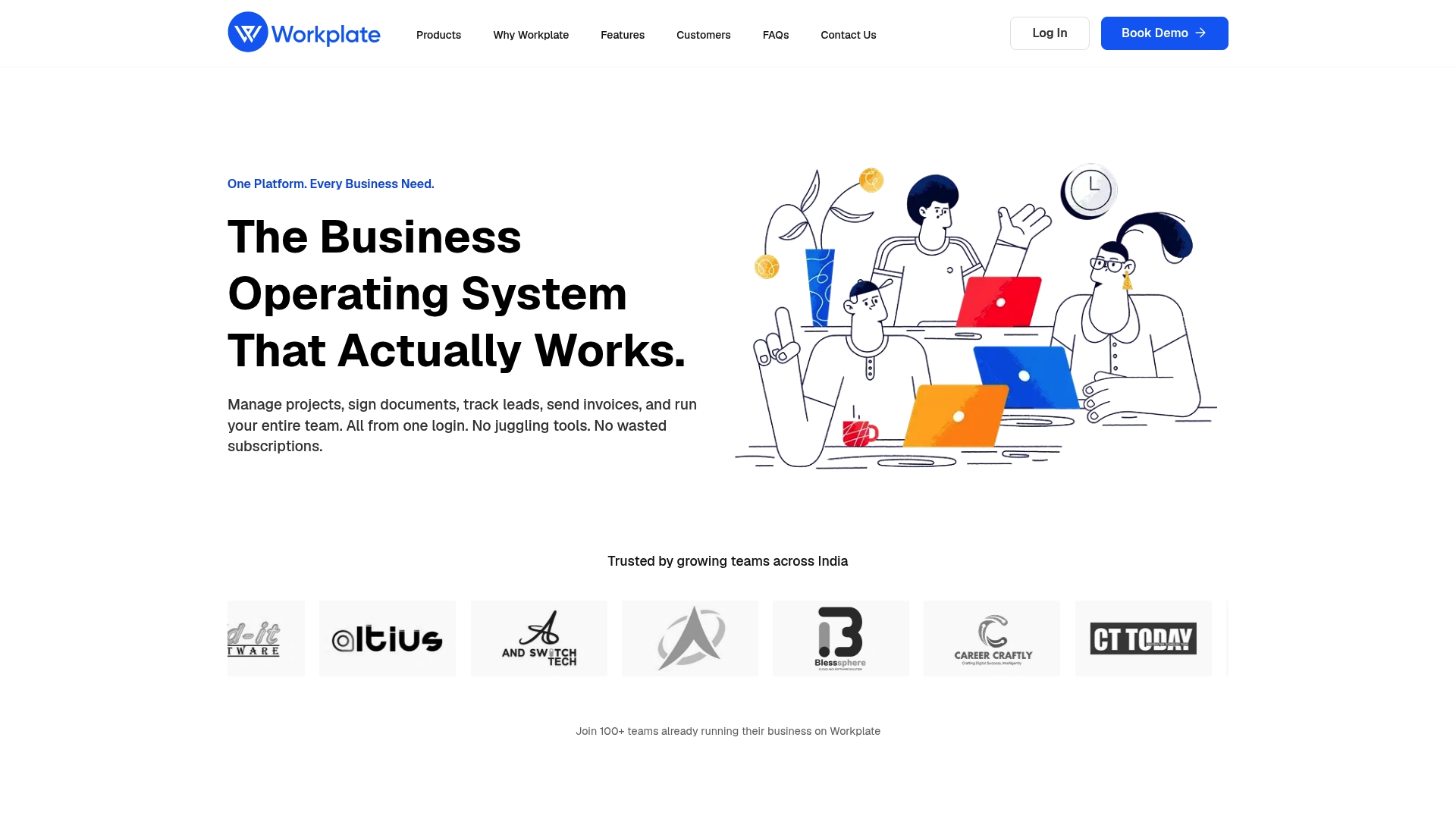
Workplate combines project management, digital signatures, CRM, and invoicing under a single login. The platform groups project boards, document signing with audit trails, and billing tools into one workspace. That structure reduces the need to switch between separate apps for core business operations.
Core Features
Workplate provides project and task management with Kanban and timeline views alongside CRM tools for lead tracking and customer records. It includes digital document signing with audit trails and claims industry-grade security for finance, legal, real estate, healthcare, HR, and construction use cases. Role specific dashboards, real time reporting, and collaboration tools keep teams aligned from planning through invoicing.
Key Differentiator
The single-login ecosystem that bundles project management, digital signatures, CRM, and invoicing is the platform's defining angle. That tight combination targets teams that prefer one central workspace instead of several specialized apps.
Pros
Consolidating projects, eSign, CRM, and invoicing into one workspace reduces admin overhead and cuts the number of vendor subscriptions a team must manage. Role specific dashboards make it easier for people in different functions to focus on relevant work without heavy setup. The free trial gives teams a low-friction way to test the integrated flows before paying for broader access.
Cons
- Third party reviews point to potential limits in scalability and advanced customization for large enterprise workflows. These reports suggest heavier customization may require additional tooling.
- Relying on cloud deployment could be a hurdle for organizations that need on premise installations or local data hosting. Such environments may face compliance or policy restrictions.
- Publicly available information does not list extensive out of the box connectors to niche tools. That may force extra integration work for teams that depend on specialized software.
When It May Not Fit
Workplate may not fit complex enterprise programs that demand deep customization or large scale architecture changes. Organizations that require on premise hosting or strict data residency will find the cloud model limiting. Teams that rely on many niche integrations may need a more specialized integration strategy.
Notable Integrations
The vendor mentions API access and integrations with CRM systems, accounting platforms, and communication tools. That approach supports custom connections but does not list specific third party vendors by name.
Who It's For
Growing small and medium businesses and startups that want a single workspace for project work, contract signing, customer records, and billing will find this appealing. The product targets teams that prefer fewer subscriptions and faster cross functional handoffs, with a particular focus on users in India.
Real World Use Case
A mid sized legal firm used Workplate to centralize client contract signing, case timelines, and invoicing in one workspace. The firm replaced separate signing and billing tools and reduced the number of manual handoffs between teams. That change improved client communication and lowered operational friction.
Pricing
Workplate offers free initial use and paid plans that scale by features and team size. Pricing details beyond the starting model are available on the vendor site.
Website: https://workplate.io
Zentrik
At a Glance
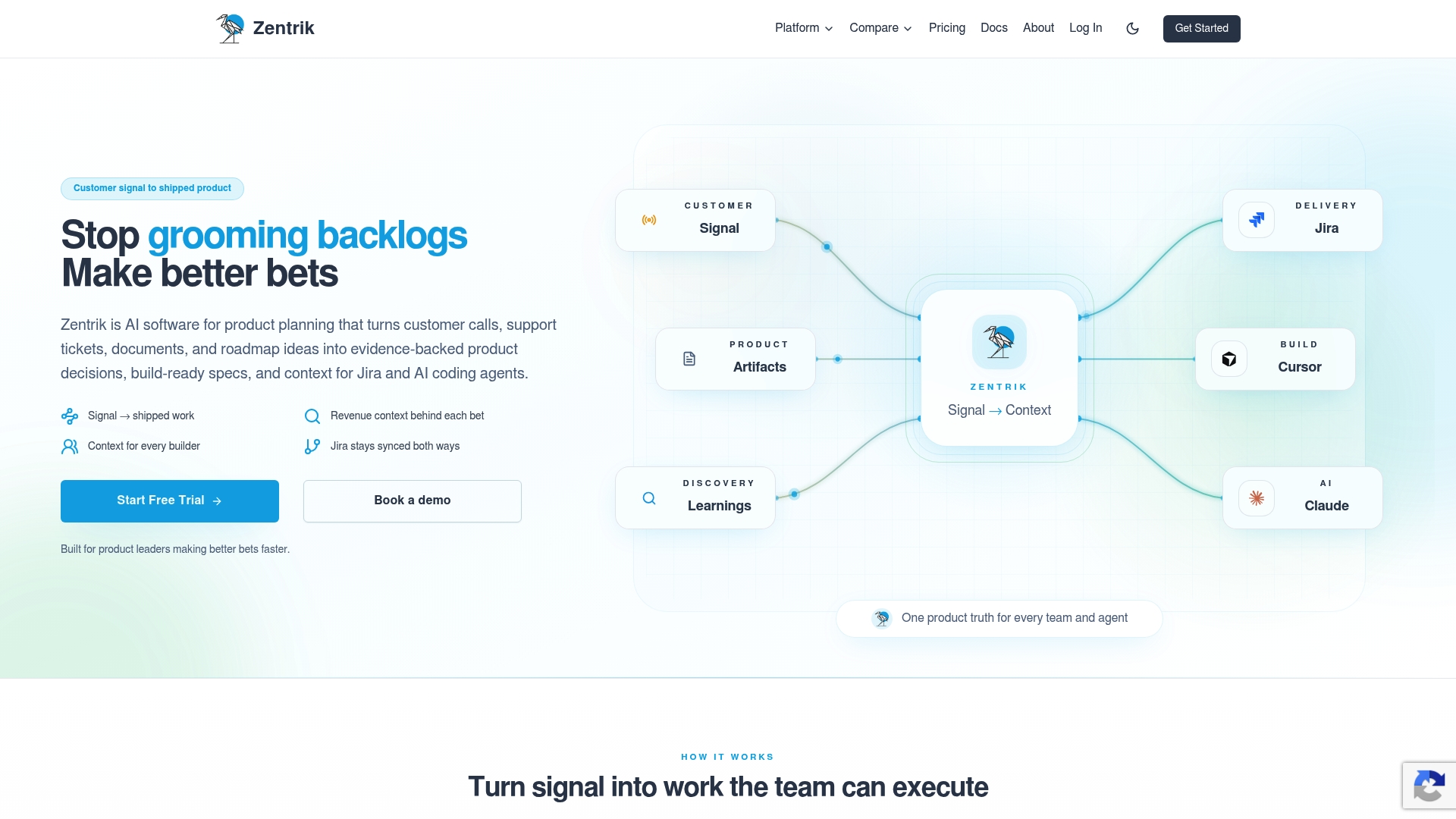
Zentrik reports reducing planning time by 90% in user reviews. The product turns customer calls, tickets, documents, and research into traces of evidence stored inside a single knowledge model, so teams retain context from discovery through delivery.
Core Features
Zentrik connects signals from calls, tickets, documents, and research into a shared product graph that links evidence to initiatives and specifications. It generates build-ready specs, briefs, and prototypes that remain tied to their source evidence while supporting two-way sync with Jira. The platform preserves context across discovery, evaluation, decision-making, and delivery workflows.
Key Differentiator
Zentrik’s main strength is turning scattered customer signals into a persistent, evidence-backed product graph that follows work from idea to handoff. That approach keeps decisions traceable and preserves the customer context that often gets lost during grooming and sprint planning.
Pros
Zentrik reduces manual backlog grooming by linking customer evidence directly to opportunities and specs, which speeds decision cycles and clarifies trade-offs. The unified product graph preserves context through handoffs to engineering and AI modules, which improves traceability and reduces rework. According to the vendor, integrations with developer tools and AI agents let teams push build-ready artifacts straight into delivery workflows, cutting friction between planning and execution.
Cons
-
Limited public pricing detail. You likely need to contact the vendor for tailored enterprise costs.
-
Native integrations and real-time sync matter for value. Larger teams may need extra setup or upgrades to get full two-way sync.
-
The product planning focus means nontechnical stakeholders may face a learning curve without structured onboarding.
When It May Not Fit
If your team has few customer signals or limited research volume, the product graph will add overhead rather than clarity. Large enterprises that need turnkey connectors out of the box may require professional services or custom configuration. Smaller teams without a dedicated product manager may find the workflow too feature-rich for basic backlog needs.
Notable Integrations
- Jira
Who It's For
Product managers and product teams at tech and SaaS companies that collect diverse customer signals and need preserved evidence through delivery. Teams that prioritize defensible decisions, traceability, and tight engineering handoffs will benefit most.
Real World Use Case
A SaaS company pulls support tickets, call transcripts, and research notes into Zentrik, clusters evidence around customer pain points, and converts top opportunities into specs. The team then syncs those specs to Jira for engineering, reducing planning cycles and improving stakeholder alignment.
Pricing
See the website for detailed pricing. Zentrik offers plans based on team size and signal volume, with a free trial and scalable enterprise options. Detailed costs and enterprise terms require contacting the vendor.
Website: https://zentrik.ai
ClickUp
At a Glance
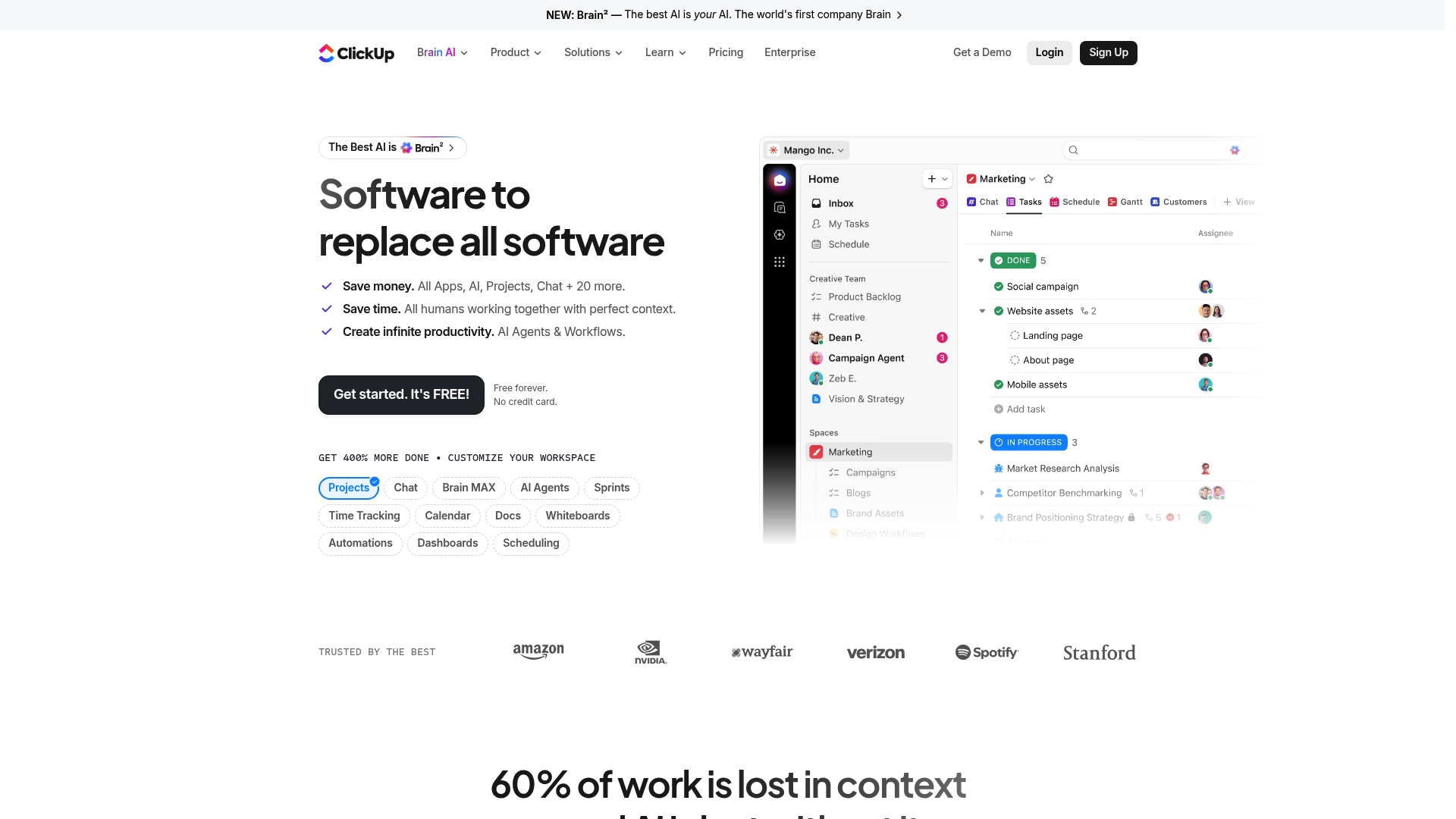
Free forever with no credit card required. ClickUp combines tasks, docs, chat, goals, and AI agents inside a single workspace. According to the company, ClickUp is trusted by Fortune 500 companies. That trust claim appears in vendor materials and signals enterprise adoption.
Core Features
The platform groups task management, multiple project views, and knowledge tools, so teams avoid switching apps. It includes AI agents and automation that can run workflows and suggest next steps during planning. Time tracking, real-time dashboards, and collaboration features like comments and guest access round out the set.
Key Differentiator
ClickUp aims to replace multiple workplace tools by pairing an all in one workspace with AI agents that carry out routine work. Those agents integrate with tasks and docs so automations can create, update, or summarize items. This pairing positions ClickUp for teams that want fewer products and more internal automation.
Pros
ClickUp delivers a broad toolset that reduces tool fragmentation by keeping docs, chat, and tasks together. Its AI automation appears deeply integrated into workflows, letting teams trigger agents from tasks or docs. The platform also offers granular customization of views and fields, and the vendor highlights enterprise usage as evidence of scale.
Cons
- Interface complexity can slow onboarding for new team members and administrators.
- Premium features and higher tier seats can push costs up once teams expand usage.
- Some customers report occasional performance slowdowns or setup complexity when configuring large workspaces.
When It May Not Fit
Small teams that want a lightweight task list will find ClickUp overwhelming. Organizations with tight budgets and strict feature needs may pay more for advanced automations and support. Teams that need a deliberately minimal interface for external clients may prefer a simpler board based tool.
Who It's For
Teams and organizations that want a single place for planning, execution, and documentation will get the most value. Product teams, operations groups, and agencies that plan to use automation regularly will benefit from ClickUp’s agents. It suits groups willing to invest time in setup and training.
Real World Use Case
A marketing agency uses ClickUp to coordinate campaign tasks, host briefs in docs, and run automations that assign follow up tasks. Time tracking and dashboards let managers see progress across clients. The agency reduced tool switching and centralized campaign assets in one workspace.
Pricing
ClickUp offers a free forever plan with no credit card required. Paid tiers unlock advanced automations, enterprise controls, and priority support. The vendor lists premium plans for teams that need additional features and service.
Website: https://clickup.com
Favro
At a Glance
Favro links tasks, goals, content, and teams visually by combining cards, collections, and relations into a single workspace. The platform emphasizes flexible boards and automations so teams can model complex workflows without writing code. A Nordic design approach keeps the interface uncluttered while supporting enterprise needs.
Core Features
Favro uses cards to represent work items and supports multiple board configurations for different workflows. Collections gather boards for team and cross team views while relations let you link cards and boards to reflect dependencies. Built in automations reduce repetitive work and free teams to focus on planning and delivery.
Key Differentiator
Favro stands out because its visual linking model makes complex workflows visible and editable without coding. The combination of cards, boards, collections, and relations creates networked views of work. That model reduces the need for separate tools to track dependencies across teams.
Pros
Favro adapts to many ways of working while keeping configuration accessible for non technical staff. Its automations and relation capabilities let teams represent product roadmaps and cross team dependencies with fewer manual steps. The platform supports real time collaboration and includes enterprise grade security options such as SAML SSO and OAuth for single sign on. The interface favors clarity which helps teams adopt complex setups faster.
Cons
- Lower tier plans restrict dashboards and advanced reporting, so reporting often requires an upgrade.
- Relations and multi board management have a learning curve for teams new to linked work models.
- Pricing is tailored for larger deployments and can be costly for very small teams or single users.
When It May Not Fit
If you need advanced dashboards and detailed reporting on an entry level budget, Favro may not match your needs. Teams that rely on a single basic integration on a low cost plan should expect limits. Individual practitioners and micro teams may find the pricing structure more than they want to pay.
Notable Integrations
- API and web hooks for custom connections.
- Slack and Zapier for messaging and automation triggers.
- Google Drive, Dropbox, and Microsoft OneDrive for file storage.
- Jira, GitLab, and GitHub for engineering workflows.
- Google Calendar, Microsoft Outlook Calendar, Unito, OneLogin, and Okta for scheduling and identity.
Who It's For
Favro fits product teams, agile groups, and enterprise projects that require a visual model of interdependent work. It suits teams that must coordinate across functions and external partners without building custom tooling. Project managers who need flexible board views and linkable work items will find its approach useful.
Real World Use Case
A gaming studio uses Favro to coordinate feature development, live operations, and art pipelines in one environment. Teams map features as cards, link dependencies with relations, and use collections to show cross team progress. Automations route updates and keep external partners aligned.
Pricing
Pricing starts from $5.1 per user per month when billed annually and follows tiered plans named Lite, Standard, and Enterprise. Advanced features and broader reporting are reserved for higher tiers and for enterprise plans that include tailored pricing.
Website: https://favro.com
Comparison of Alternatives
Teams prioritizing transparent decision-making workflows deeply integrated with argument-backed deliverables will find swarm-stack.io transformational, though there are alternatives to consider.
Collaboration Versatility
SwarmStack excels in delivering structured artifacts that preserve the rationale for decisions made during collaboration. This approach benefits teams requiring transparency, notably those managing handoffs between departments. Meanwhile, Zentrik enhances clarity in product discovery by linking customer signals into persistent graphs that ease the transition from research to development. Its strong alignment with SaaS companies relying on diverse input sources makes it a compelling alternative for teams emphasizing traceability in the product lifecycle.
Visual Planning Effectiveness
Planyway enables teams to visualize their schedules and dependencies, optimized for integration with Trello and Jira. Teams accustomed to workflow boards find significant value in the visual accessibility and workload balancing tools provided. Favro extends visual capabilities further, offering a relationship-driven model that supports interconnected workflows across cards and user collections. Both tools excel in scenarios where transparency within planning tasks and cross-functional reporting are critical.
Best Fit
- Teams requiring transparent, argument-based deliverables will benefit most from SwarmStack’s structured contention workflows.
- Teams centered on Jira or Trello needing timeline integration will find Planyway impactful.
- Firms seeking an all-in-one solution combining CRM, invoicing, and project management will appreciate Workplate.
- Organizations curating customer signals into defensible evidence benefit maximally from Zentrik.
- Teams preferring flexible board setups with decentralized automations should consider Favro.
Our Pick
Swarm-stack.io excels for teams needing reasoned decisions backed by records. Its unique approach to preserving contention insights facilitates transparency and accountability in every outcome. However, organizations focused solely on visual collaboration or system consolidation may find selecting a dedicated alternative more effective for their workflows.
For choosing the most suitable collaborative planning software, consider the following key features and differentiators from each option.
| Platform | Core Feature | Key Differentiator | Pricing | Notable Limitation |
|---|---|---|---|---|
| Swarm-stack | Real-time collaborative argumentation with AI and human experts | Preserves argument history in deliverables | $29/month (Pro), $99/month (Team) | Extended decision cycles due to structured argumentation process |
| Planyway | Visual project oversight with timeline and workload integration | Extensive integration with Jira and Trello platforms | From $4/user/month | Relies heavily on cloud connectivity for full functionality |
| Workplate | Comprehensive platform combining project management, CRM, and invoicing | Single workspace approach for diverse business operations | Free plan available, other details on website | Limited scalability and customization for larger enterprise workflows |
| Zentrik | Evidence-backed product graph from user and call signals | Integrates customer feedback into coherent planning context | Contact vendor for details | May add complexity for teams not focused on customer signal volume |
| ClickUp | Unified workspace for tasks, goals, docs, and automations | AI agents automating tasks and workflows | Free plan available, other plans cost additional | Interface complexity could deter users seeking simpler tools |
| Favro | Visual cards and linked collections for workflow management | Adaptable linking model for dependent and cross-functional workflows | From $5.1/user/month (annually) | Larger teams may need premium tiers for advanced reporting and automation capabilities |
How Can monday.com Alternatives Improve Transparent Planning and Decision Records?
Teams searching for monday.com alternatives face common challenges like unclear decision paths and inefficient collaboration. Swarm-stack addresses these issues by combining AI specialists and human experts in live sessions. This method creates structured, versioned deliverables that clearly show the reasoning behind each choice. The platform’s single-invite links make teamwork simple and keep everyone aligned in real time.
Boldly reduce confusion between product managers and engineers by using Swarm-stack’s integrated argument history. Learn how your team can gain transparency and speed up handoffs with well-documented plans ready to implement. Visit Swarm-stack to see how your teams can hold more focused sessions and produce better project outcomes with less wasted effort.
FAQ
What is the primary benefit of using SwarmStack for software planning?
SwarmStack allows teams to run structured sessions that blend AI input with human expertise. It features multistep argumentation rounds that preserve each contention in a versioned artifact, ensuring decisions have a documented rationale. Teams requiring clear decision history will find SwarmStack particularly useful for their planning processes.
How does SwarmStack compare to Planyway in terms of integrations?
Planyway is known for its strong visual integration with both Jira and Trello, allowing teams to manage timelines and resources effectively. On the other hand, SwarmStack excels in preserving the full argument history with each deliverable, making it ideal for teams that prioritize transparent decision-making instead of just visual planning.
Which feature of SwarmStack aids in reducing handoff ambiguities?
The built-in contention preservation feature of SwarmStack captures argument history for all decisions made during sessions. This creates auditable deliverables that clearly outline why choices were made, helping to eliminate misunderstandings during handoffs between teams.
Can SwarmStack help teams document vendor choices in a structured way?
Yes, SwarmStack is designed for teams that need a transparent and structured approach to documenting vendor choices. Its versioned deliverables come with embedded rationales, reducing guesswork during vendor selection processes.
What are the pricing options for SwarmStack?
SwarmStack offers a Pro plan at $29 per month and a Team plan at $99 per month, providing options that cater to different team sizes and needs. Free trial options are also available for teams to test the platform before committing.