Audit Ready Document Version Control Templates Teams Can Implement in 48 Hours
Adopt audit-ready document version control with copy-ready naming, change-log and approval templates plus step-by-step workflows teams can deploy fast.

Document version control is the practice of tracking every change to a file so teams always know which version is current, who changed what, and why. The immediate fix for most teams: stop emailing attachments, centralize files in one repository with automatic version history turned on, and layer in a simple approval workflow. Do that, and version confusion, overwritten edits, and "wait, which file is final?" moments mostly disappear.
TL;DR:
- Most teams should implement centralized, automatic versioning with role-based access and retention rules to prevent file duplication, overwrites, and audit gaps.
- Simple naming conventions, check-in/check-out processes, and a dedicated change log are crucial for maintaining reliable, auditable document histories.
- Software alone won't fix behavioral issues such as personal copies and informal approvals; discipline and strict workflows are essential.
- Platforms like SharePoint, Google Docs, and Dropbox handle versioning differently, so choosing one system of record and managing exports carefully reduces metadata loss.
- For regulated or audit-critical work, dedicated tools with full snapshots, attribution, and retention policies deliver a stronger, more defendable document trail.
Table of Contents
- What Is Document Version Control?
- Why Version Control Matters for Teams
- Manual Naming vs. Cloud Auto-Versioning vs. Git: Which Method Fits?
- How Word, SharePoint, Google Docs, and Dropbox Handle Versions
- How to Implement Document Version Control Step by Step
- Best-Practice Checklist for Preventing Version Chaos
- What Auditors Expect From Your Version History
- What to Do With Old Versions
- Copy-Ready Templates for Naming, Change Logs, and Approvals
- How SwarmStack Handles Versioned Deliverables and Change Control
- The Real Reason Most Version Control Systems Fail
- A Faster Path to Auditable, Versioned Deliverables
- Sources
What Is Document Version Control?
Document version control (sometimes called document versioning or file versioning) is the system a team uses to capture every meaningful edit to a document as a distinct, retrievable snapshot. It's different from just "saving a file." A real system gives you attribution, comparison, and rollback, not just storage.
A working version control setup provides:
- Snapshots of the document at each save or check-in point
- Attribution showing who made each change and when
- Comparison tools to see exactly what changed between versions
- Restoration so you can revert to any prior version without losing history
- Audit trails documenting the full change sequence for compliance review
That's a meaningful step up from filename-only tracking (like "Report_final_v2_reallyfinal.docx") or Word's Track Changes, which shows edits inside one document but doesn't preserve a searchable history of separate approved versions. Version history is the record; Track Changes is just the markup layer on top of it.
Why Version Control Matters for Teams
The most common failure mode isn't dramatic. It's someone editing an outdated copy pulled from an old email thread, then that edit silently overwriting three days of someone else's work. Multiply that across a 12-person team working on a proposal deadline, and you get duplicated effort, missed deadlines, and a final document nobody fully trusts.
The compliance stakes are higher than most teams assume. In regulated industries, an inability to show who approved a document, when, and under what version can mean failed audits or legal exposure during a dispute. Version control creates provenance: a defensible record of what changed, when, and by whom, which is exactly what supports reproducibility and accountability in research and project documentation.
Version control loses its value fast without a formal change process behind it. Without a defined change request process, version control becomes little more than administrative overhead, files pile up in a folder, but nobody's actually reviewing or approving what moves forward.
Manual Naming vs. Cloud Auto-Versioning vs. Git: Which Method Fits?
Not every team needs the same level of rigor, and picking the wrong method is its own failure mode. Here's how the four common approaches stack up.
- Manual naming (v1.2_2026-03-15.docx) works fine for solo work or very small teams with low change frequency, but it collapses the moment two people edit simultaneously or someone forgets the convention.
- Cloud auto-versioning (SharePoint, Google Drive, Dropbox) captures every save automatically, which removes the human-discipline problem entirely. The tradeoff: retention windows are often limited, and metadata about why a change happened rarely gets captured.
- Track Changes is genuinely the best tool for editorial and legal redlines, line-by-line review inside a single document, but it isn't a substitute for full version control since it doesn't manage approvals or maintain a library of distinct historical versions.
- Git-based or dedicated document tools deliver the strongest auditability and are built for programmatic needs like compare/restore APIs. Manual filename versioning and Track Changes are common but fragile approaches; dedicated or API-driven document versioning preserves full snapshots with attribution baked in, which matters most for regulated workflows.
Most teams land somewhere in the middle: cloud auto-versioning for daily work, with a dedicated tool or Git-based workflow reserved for contracts, regulatory filings, or anything that might face an audit.
How Word, SharePoint, Google Docs, and Dropbox Handle Versions
Each major platform handles versioning differently, and the gaps between them cause more headaches than any single platform's limitations.
- SharePoint and OneDrive support major/minor versioning, content approval, and check-in/check-out controls, which lets you require sign-off before a document becomes visible to the wider team. Retention limits are configurable, but by default older versions can get purged after a set count, so check your library settings before you rely on long-term history. Word's built-in versioning also lets you restore prior saves directly from the file, not just from SharePoint.
- Google Docs keeps automatic version history and lets you name specific versions for easy reference later ("Sent to Client" or "Board Approved"). Co-editing is real-time, which is powerful, but it also means two people can be typing over each other's intent in the same paragraph with no formal check-out step to prevent it.
- Dropbox retains version history for a set retention window depending on your plan tier, and it works well for mixed file types beyond Office documents, but it treats every file type the same way, so there's no document-specific approval workflow built in.
The real gotchas show up between tools, not within them. Merging edits made in Google Docs, exported to Word, then dropped into SharePoint usually loses metadata, comment threads, and sometimes the entire version history. Pick one system of record and treat exports to other tools as one-way trips, not round-trips.
How to Implement Document Version Control Step by Step
Start with naming, not software. Adopt a semantic pattern combining major.minor numbers with an ISO date, something like RFP_v2.1_2026-03-15.docx. Using a consistent version and date format removes almost all filename ambiguity on its own.
From there, build the rest of the workflow:
- Define check-in/check-out rules: only one person edits at a time, and everyone else works from read-only copies until check-in.
- Set role-based access so only designated reviewers can approve or publish a version.
- Design an approval workflow with as few steps as your risk tolerance allows, usually draft, review, approve.
- Keep a running change log with date, author, version number, and a one-line summary of what changed.
Pro Tip: Treat the approval workflow document itself as version-controlled. If your "who approves what" policy lives in an untracked email thread, you've built an audit gap into the one document meant to close audit gaps.
Best-Practice Checklist for Preventing Version Chaos
Most versioning disasters trace back to a handful of repeatable mistakes. Fixing them doesn't require new software, just discipline applied consistently.
- Work exclusively in shared files, never local copies, and require logged-in edits so every change carries a real identity.
- Store everything in one central repository with role-based access control instead of scattering copies across desktops and inboxes.
- Turn on automatic versioning and set retention rules appropriate to your regulatory exposure, longer for contracts and filings, shorter for internal drafts.
- Protect approved versions from edits and revoke access immediately when someone leaves a project or the company.
| Rule | Why it matters | Quick fix |
|---|---|---|
| Shared files only | Prevents silent overwrites | Disable local "Save As" habits |
| Central repository | Removes ambiguity about the source of truth | One folder, one owner |
| Automatic retention | Meets audit and legal timelines | Set retention in platform settings |
| Access revocation | Stops unauthorized post-departure edits | Review access list monthly |
What Auditors Expect From Your Version History
Auditors and legal reviewers tend to ask the same four questions: who made this change, when did they make it, what exactly changed, and who else saw or approved it. If your system can't answer all four in under a minute, it isn't audit-ready yet.
- Prefer systems that produce immutable, attributed snapshots rather than editable logs someone could quietly alter after the fact.
- Build in retention and archival policies that specify how long each document class stays accessible and how restores are handled securely.
- For research or clinical documentation, provenance tracking that records what changed and by whom supports both reproducibility and legal defensibility.
- Escalate to encryption or WORM (write once, read many) storage for anything that must be tamper-proof by regulation, financial filings and certain healthcare records especially.
What to Do With Old Versions
Archive, don't delete. Deleting old versions destroys the exact audit trail you built the system to preserve, so retire versions instead of erasing them.
- Replace vague "FINAL" labels with status codes:
_DRAFT,_REVIEW,_APPROVED,_SUPERSEDED. Teams that keep relabeling files "FINAL" repeatedly invite accidental edits after approval, since nothing actually locks the file. - Make approved versions read-only at the platform level, while still allowing an authorized rollback if a later version needs to be reverted.
- Set retention timelines by document type: contracts and compliance filings often need years of retention; internal working drafts can be pruned after a project closes.
Copy-Ready Templates for Naming, Change Logs, and Approvals
You don't need new software to start fixing version chaos today. Copy these patterns directly.
- Filename pattern:
ProposalName_v[major].[minor]_YYYY-MM-DD.docx(example:ClientRFP_v3.2_2026-04-02.docx). - Change-log row: Date | Version | Author | Summary of change | Approved by.
- Minimal approval workflow: Draft assigned → peer review → editor approval → locked as read-only → distributed.
- When to graduate to a dedicated tool: once you're managing more than a handful of concurrent contributors, need programmatic compare/restore, or face a regulatory audit requirement, a Git-based or API-driven system becomes worth the setup cost.
How SwarmStack Handles Versioned Deliverables and Change Control
SwarmStack builds version control into the planning process itself rather than treating it as an afterthought. Every collaborative session produces:
- Versioned deliverables with full decision tracking, so you can see not just what changed but why a specific direction was chosen over another.
- Invite links that bring coworkers into a session directly, keeping contributors on one shared document instead of scattered email drafts.
- Argument-driven refinement, where competing AI and human perspectives get logged against the version they influenced, creating a natural audit trail.
For teams building RFPs or project plans that need to survive a stakeholder review months later, that mapping between decisions and versions does the heavy lifting a manual change log usually handles by hand. Read more in the change control process guide.
The Real Reason Most Version Control Systems Fail
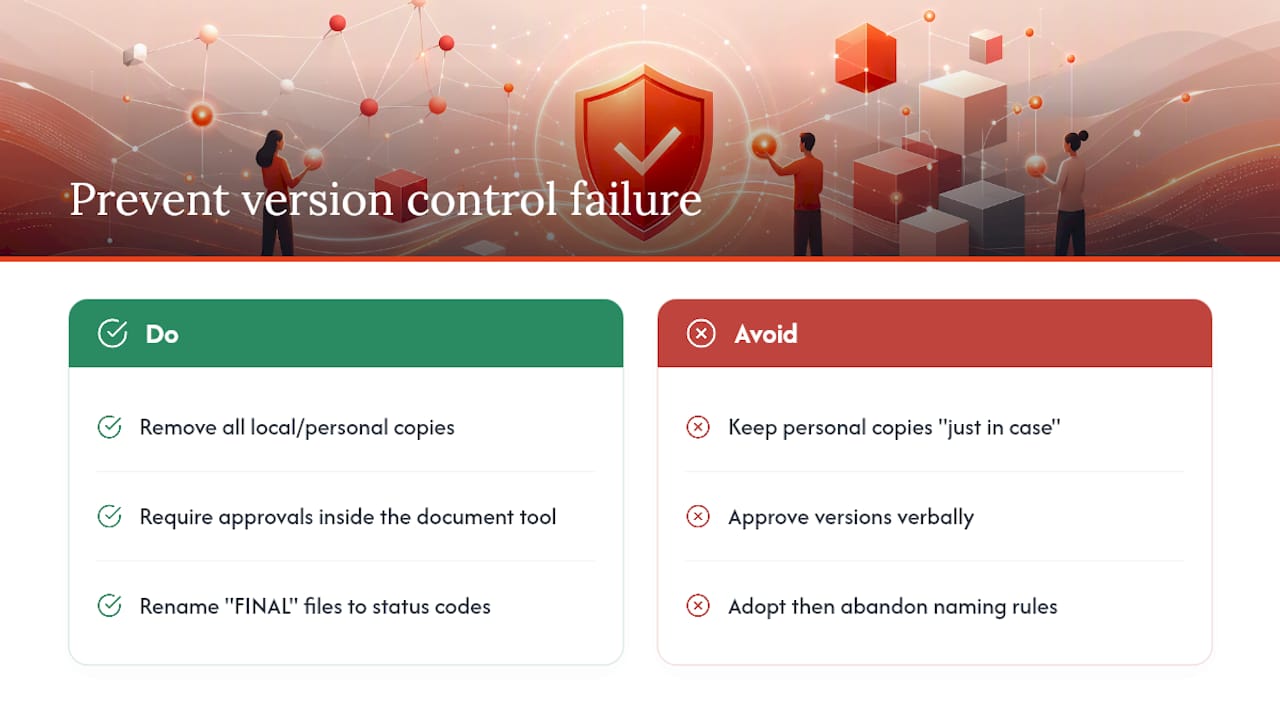
The failures I see most often aren't technical. They're behavioral: someone keeps a personal copy "just in case," a manager approves a version verbally instead of in writing, or a team adopts a naming convention and abandons it within two weeks. Software doesn't fix a discipline gap.
Three quick wins fix most of this within 48 hours: kill local copies entirely, require every approval to happen inside the same tool that holds the document, and rename your current "FINAL" files with real status codes today. Small friction now prevents an audit headache later. For the fuller framework, see the change control process.
— Cody
A Faster Path to Auditable, Versioned Deliverables
SwarmStack gives teams what a manual change log and a shared drive can't: a system where every version of an RFP or project plan carries its own decision history automatically, instead of relying on someone remembering to update a log.
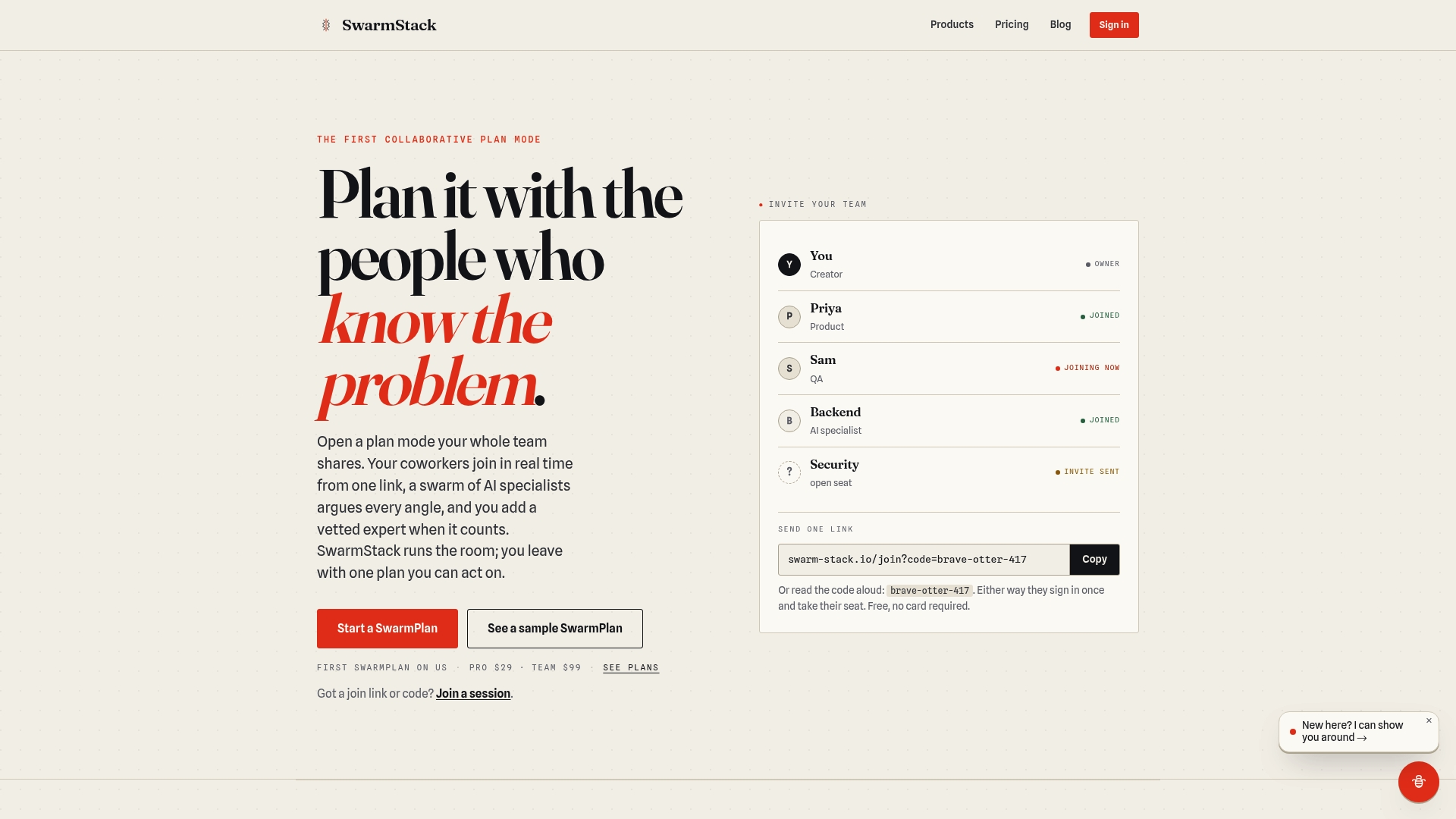
If your team has ever argued about which draft was actually approved, or spent a review cycle reconstructing who changed what and why, that's exactly the gap SwarmStack closes. Structured sessions combine AI specialists and human experts to argue out a plan or RFP in real time, and every deliverable comes out the other side versioned, with the reasoning behind each decision attached. That's a meaningfully different starting point than merging Google Docs edits into a SharePoint library after the fact. Teams that need to prove why a version changed, not just that it changed, get that built in rather than bolted on.
Check the pricing plans to see which tier fits your team's session volume, or review the trust and data privacy details if compliance sign-off is part of your evaluation. Start a session and see your first versioned deliverable take shape in real time.
Sources
- File naming conventions & version control — Princeton University Records Management Manual
- Plan document versioning, content approval, and check-out controls in SharePoint Server — Microsoft Learn
- Version control — Harvard Biomedical Data Management
- Document change control management — Quality Magazine