RFP Excel Template Toolkit: 2026 Guide for Teams
Discover how to enhance your proposals with the ultimate RFP Excel template toolkit. Maximize efficiency and quality in 2026.

A well-built RFP Excel template does three things at once: it structures your requirements, standardizes how vendors respond, and gives your team a defensible scoring record. The Procurement Excellence Network 2025 guidelines are clear that the most effective RFPs focus on desired outcomes rather than rigid technical specs, which means your template design choices directly affect the quality of proposals you receive.
Table of Contents
- What belongs in a complete RFP Excel template toolkit
- Swarm-stack turns your RFP template into a live team session
- Key Takeaways
What belongs in a complete RFP Excel template toolkit
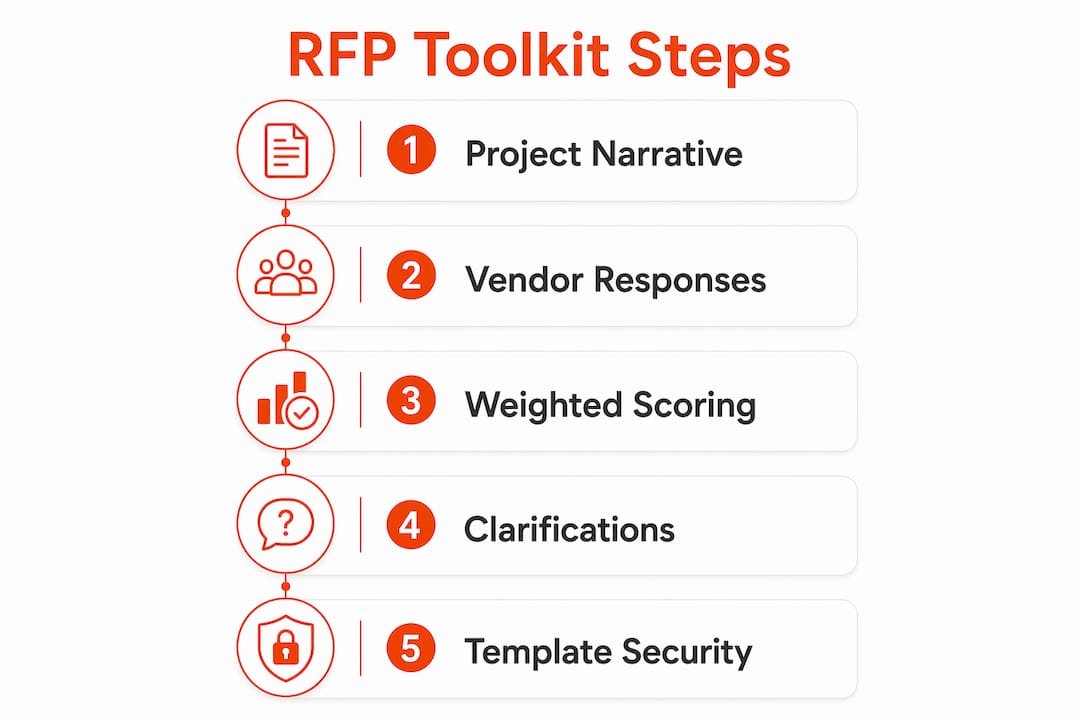
A standard Excel RFP toolkit contains three core documents working together:
- Project narrative document: Defines scope, objectives, timeline, and evaluation criteria in plain language. This is what vendors read first, so clarity here determines whether strong vendors bother responding.
- Vendor response workbook: A structured spreadsheet vendors fill out directly. Standardized fields make side-by-side comparison possible without manual reformatting.
- Weighted evaluation matrix: Assigns numeric weights to each criterion. Scores from the response workbook feed into this sheet, producing ranked totals that are auditable and easy to defend.
| Component | Primary Function | Key Feature |
|---|---|---|
| Project narrative | Sets context and requirements | Results-focused criteria |
| Response workbook | Collects vendor data | Standardized fields |
| Evaluation matrix | Scores and ranks proposals | Weighted formulas |
| Clarification log | Tracks vendor questions | Transparency record |
Pro Tip: Run internal validation interviews with your own subject-matter experts before locking requirements into the template. Overly narrow criteria reduce vendor participation and cut off innovative solutions you haven't considered.
Vendor query clarifications
A dedicated clarification tab belongs in every serious RFP document template. When vendors submit questions, log each one alongside your official answer. Every vendor sees the same response, which prevents information asymmetry and reduces the back-and-forth that stalls procurement timelines. Klariti's RFP template pack includes a standalone "Clarification to Vendor Queries" Excel file for exactly this reason.

Automating scoring
Excel's built-in scoring functions handle weighted totals cleanly with SUMPRODUCT formulas. Pair that with conditional formatting to flag outlier scores, and add a simple bar or bubble chart to visualize vendor rankings at a glance. According to BestTemplates, automated scoring dashboards reduce evaluator bias by removing the need to mentally calculate weighted averages mid-review.
Securing and sharing your template
Sensitive procurement data needs role-based access controls before the file leaves your team. Password-protect scoring sheets, restrict editing to specific ranges, and use encrypted file sharing rather than open email attachments. Swarm-stack's data privacy practices outline how structured access controls apply to collaborative RFP workflows, and the same principles translate directly to Excel-based processes.
Integrating with procurement tools
An Excel RFP template doesn't have to live in isolation. Connecting it to your procurement software via Power Query or a direct API export keeps vendor data consistent across platforms and eliminates duplicate data entry. For teams already using AI RFP software, Excel templates can serve as the structured input layer that feeds into broader evaluation workflows.
Swarm-stack turns your RFP template into a live team session
Excel handles structure well. What it can't do is let five people refine requirements simultaneously, track why a criterion changed, or bring in an AI specialist to stress-test your scope before the RFP goes out.
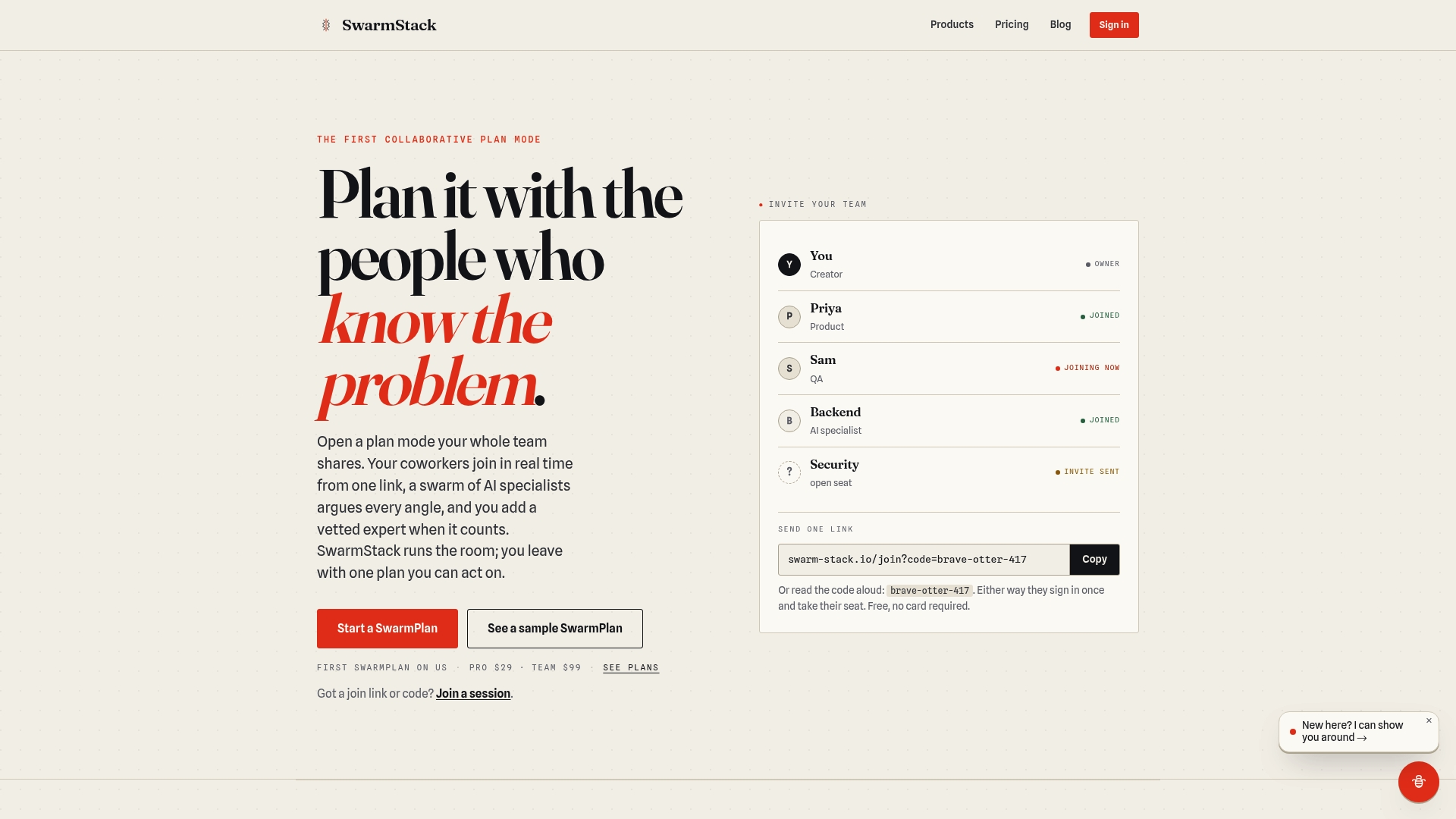
Swarm-stack fills that gap. Teams share a single link, join a structured session, and co-create versioned RFP deliverables with both human experts and AI specialists arguing each requirement. Every decision is tracked. Every version is recoverable. The result is an RFP that's tighter, more defensible, and ready to send faster than a spreadsheet-only workflow allows. Explore Swarm-stack's plans and see which tier fits your team's volume.
Key Takeaways
A complete RFP Excel template toolkit combines a project narrative, vendor response workbook, and weighted evaluation matrix to produce structured, auditable procurement decisions.
| Point | Details |
|---|---|
| Three-document structure | Narrative, response workbook, and evaluation matrix work together as one toolkit. |
| Results-driven criteria | Procurement Excellence Network 2025 guidelines favor outcome-focused RFPs over rigid specs. |
| Clarification log | A dedicated vendor query tab prevents information asymmetry across all bidders. |
| Automated scoring | SUMPRODUCT formulas and conditional formatting remove manual calculation from evaluations. |
| Swarm-stack advantage | Real-time versioned sessions let teams co-create and refine RFPs with AI and human experts. |