How to Automate Proposals and Close Deals Faster
Learn how to automate proposals to save time and reduce errors. Streamline your workflow and close deals faster with AI-powered solutions.

Proposal automation is the practice of using AI-assisted workflows to generate, personalize, and deliver business proposals with minimal manual effort. Teams that automate proposals cut creation time from 4–8 hours down to 15–30 minutes per document. That shift frees up 20–35 hours monthly for every 10 proposals a team sends. The real value is not just speed. Automated workflows reduce errors, enforce pricing consistency, and trigger follow-ups without anyone remembering to do it. This guide covers the foundational setup, a step-by-step workflow, common mistakes, and the tool categories that make it work.
What does it take to automate proposals effectively?
Proposal automation is primarily a data and workflow problem, not just an AI writing task. Before any automation runs reliably, three foundations must be in place: clean input data, standardized templates, and documented business logic.
Templates come first. Two or three base templates covering the majority of your deal types give the AI a consistent structure to fill. Without them, every generated proposal looks different, and quality control becomes impossible. Templates should define section order, tone, and the specific variables the system will populate from your CRM.

CRM data quality is non-negotiable. Automation pulls client names, deal values, service scopes, and contact details directly from your CRM records. Incomplete or stale records produce proposals with missing fields or wrong numbers. Enforce a data entry standard before you connect any automation layer.
Pricing and service logic must be documented. Discount tiers, service descriptions, and scope definitions need to exist as written rules, not tribal knowledge. The automation engine references these rules to build accurate line items. If the rules live only in a salesperson's head, the system cannot replicate them.
A centralized content library rounds out the setup. Case studies, FAQs, and proof points stored in one place give the AI retrieval layer something to pull from when personalizing proposals. Human review of AI-generated drafts remains a critical safeguard against hallucination errors and factual mistakes.
Pro Tip: Before building any automation, run five proposals manually using your new templates and documented pricing rules. If the manual process produces consistent results, the automated version will too.
How to build an AI-powered proposal workflow
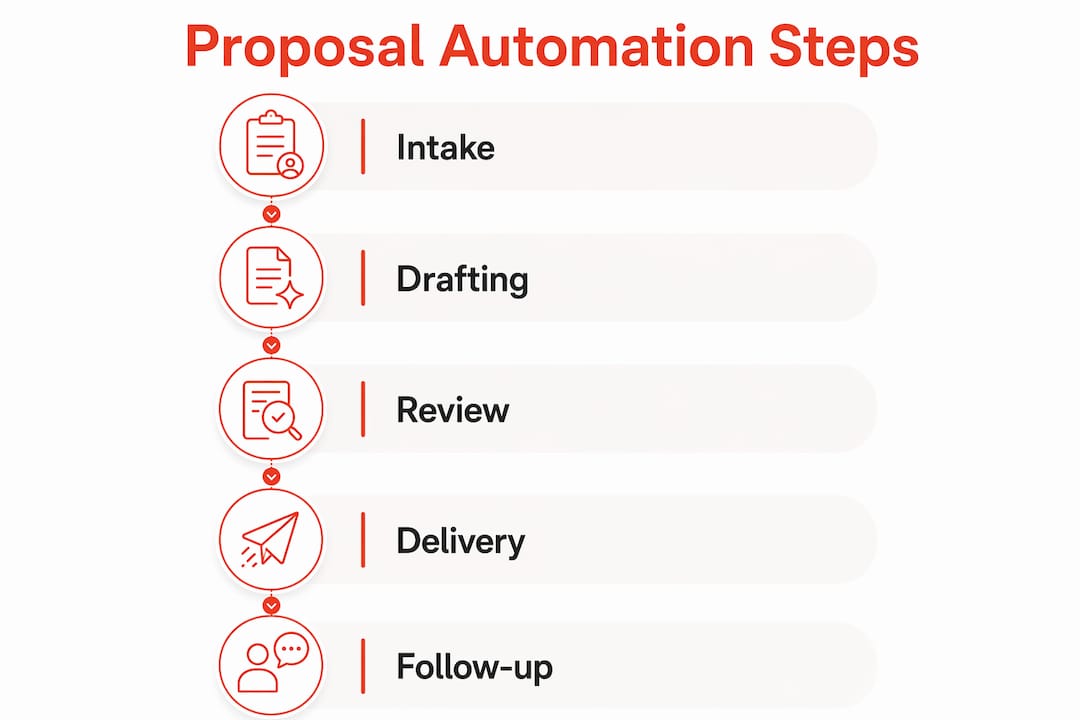
A reliable automated proposal workflow follows seven connected steps. Each step hands off to the next automatically, with one deliberate human checkpoint before the proposal reaches the client.
-
Intake. The workflow starts when a deal reaches a specific CRM stage, such as "Proposal" or "Discovery Completed." Stage-based CRM triggers prevent proposals from generating too early or for the wrong deals. The trigger pulls client name, company, deal value, and service scope from the CRM record automatically.
-
Content retrieval. The system queries your content library for relevant case studies, service descriptions, and pricing blocks that match the deal context. A technology deal pulls different proof points than a marketing retainer. This step is where your centralized knowledge base pays off.
-
Draft assembly. The AI engine combines the retrieved content with the deal data and fills the template. It generates personalized sections, including an executive summary, scope of work, pricing table, and next steps. Most teams go from 3 hours of active writing to about 30 minutes of review time with this approach.
-
Human review and approval. A team member reads the draft, checks pricing accuracy, adjusts tone, and approves it for sending. This step is not optional. AI drafts occasionally misread deal context or produce awkward phrasing. The reviewer catches those issues before the client does.
-
Delivery. The approved proposal goes out via a tracked link or an e-signature request. Tracked delivery tells you exactly when the client opens the document, how long they spend on it, and which sections they revisit.
-
Automated follow-up. If the client does not view the proposal within 48 hours, an automated follow-up sequence triggers without any manual intervention. Engagement signals, such as a second open or a click on the pricing section, can escalate the sequence to a call reminder for the sales rep.
-
Post-signature workflows. Signing the proposal kicks off a second automation layer. True automation extends beyond sending to onboarding emails, project folder creation, invoicing triggers, and welcome sequences. This step eliminates the administrative gap between "deal won" and "work started."
| Workflow step | Trigger | Output |
|---|---|---|
| Intake | CRM deal stage change | Populated data object |
| Draft assembly | Intake complete | AI-generated proposal draft |
| Human review | Draft ready notification | Approved proposal |
| Delivery | Approval confirmed | Tracked proposal link sent |
| Follow-up | No view within 48 hours | Automated reminder sequence |
| Post-signature | Contract signed | Onboarding and project setup |
Pro Tip: Map your current manual proposal steps on a whiteboard before building the automated version. Automation copies your process exactly. If the manual process has gaps, the automated version will too.
What pitfalls should you avoid with proposal automation?
The most common mistake teams make is automating a broken process. If your manual proposals are inconsistent or inaccurate, automation produces those same problems faster and at higher volume. Fix the manual process first, then automate it.
- Skipping human review. Fully autonomous sending without a human checkpoint is the fastest way to lose client trust. AI models occasionally hallucinate figures, misread scope, or use the wrong company name. One bad proposal can cost more than the time saved in a month.
- Neglecting template updates. Pricing changes, new service offerings, and rebranding all require template updates. Teams that set templates once and forget them end up sending outdated proposals months later.
- Tolerating poor CRM hygiene. Automation is only as accurate as the data it reads. A deal record missing the client's industry or budget range produces a generic, poorly targeted proposal. Assign someone to audit CRM records weekly.
- Using generic AI models without customization. Off-the-shelf AI writing tools do not know your pricing, your clients, or your brand voice. Feed the system your own case studies, service descriptions, and past winning proposals to get output that sounds like your team.
- Ignoring edge cases. Some deals are too complex or unusual for a standard template. Build a fallback path that routes those deals to a manual process rather than forcing them through automation and producing a poor result.
Proposal automation fails when teams treat it as a writing shortcut rather than a workflow system. The AI handles assembly. The human handles judgment. Neither works well without the other.
Monitor time-to-send, proposal open rates, and win rates after implementing automation. These three metrics tell you where the workflow is working and where it needs adjustment.
Which tool categories support proposal automation?
Proposal automation draws on several distinct tool categories. Understanding what each category does helps teams build a workflow that fits their existing stack rather than replacing it entirely.
AI drafting engines generate proposal sections based on deal context and retrieved content. They work best when trained or prompted with your own service descriptions, pricing logic, and brand examples. Generic output is a sign that the engine lacks sufficient context about your business.
Template management systems store, version, and serve proposal formats. They ensure every proposal follows the same structure and that updates to pricing or scope language propagate across all future documents automatically. Teams using AI RFP software for project work often rely on these systems to maintain consistency across complex deliverables.
CRM and document automation connectors sync deal data in real time between your CRM and the proposal generation layer. They eliminate copy-paste errors and ensure the proposal reflects the current state of the deal, not last week's notes.
Follow-up automation platforms monitor proposal engagement and trigger sequences based on client behavior. They reduce the sales cycle by keeping deals moving without requiring a rep to manually track every open and click.
Mobile-native delivery tools matter more than most teams expect. 68% of client signatures on modern proposal platforms come from mobile devices. A proposal that renders poorly on a phone creates friction at the exact moment the client is ready to sign.
Pro Tip: Before evaluating any tool category, list the three steps in your current proposal process that take the most time. Choose tools that address those specific steps first. Adding tools that solve problems you do not have yet creates complexity without return.
API costs for AI drafting are lower than most teams assume. AI-driven proposal workflows cost approximately $0.24 per proposal in API fees, excluding platform costs. At that rate, cost is rarely the limiting factor when deciding whether to scale volume. For teams evaluating their options, a review of RFP response software categories provides a useful framework for comparing what each tool type handles.
Key Takeaways
Automating proposals saves the most time when AI-assisted drafting is paired with clean CRM data, documented pricing logic, and a mandatory human review step before sending.
| Point | Details |
|---|---|
| Fix the manual process first | Automation copies your existing workflow, so inconsistencies in manual proposals will scale up, not disappear. |
| Human review is non-negotiable | AI drafts require a human checkpoint to catch pricing errors, wrong context, and tone issues before client delivery. |
| CRM data quality drives accuracy | Incomplete deal records produce generic or incorrect proposals; enforce data standards before connecting automation. |
| Follow-up automation shortens cycles | Triggering follow-ups at 48 hours after no proposal view keeps deals moving without manual tracking. |
| Post-signature automation completes the chain | Automating onboarding, invoicing, and project setup after signing removes the administrative gap between close and kickoff. |
Where most teams get proposal automation wrong
The teams I have seen struggle most with proposal automation share one pattern: they treat it as a writing problem. They connect an AI tool, generate a draft, and expect the output to be proposal-ready. It rarely is.
The real work is upstream. Documenting your pricing tiers, writing clear service descriptions, and building a content library of your best case studies takes time. That work feels slow and unglamorous compared to setting up an AI integration. But without it, the AI has nothing reliable to draw from, and every draft requires heavy editing.
The second mistake is skipping the post-signature layer. Most teams automate the proposal and stop there. The gap between a signed contract and a started project is where client relationships erode. Automating the onboarding sequence, the welcome email, and the project folder creation takes an afternoon to set up and saves hours of back-and-forth on every deal.
My honest recommendation: start with one deal type, one template, and one CRM stage trigger. Prove that the workflow produces accurate, on-brand proposals consistently. Then expand to a second deal type. Gradual expansion lets you catch problems before they affect your entire pipeline.
Proposal automation done well is not about removing humans from the process. It is about removing the repetitive, low-judgment work so humans can focus on the parts that actually require their expertise.
— Cody
Swarm-stack's approach to AI-powered proposal workflows
Teams that want to move beyond basic document generation need a platform that combines AI drafting with real human collaboration at every stage.
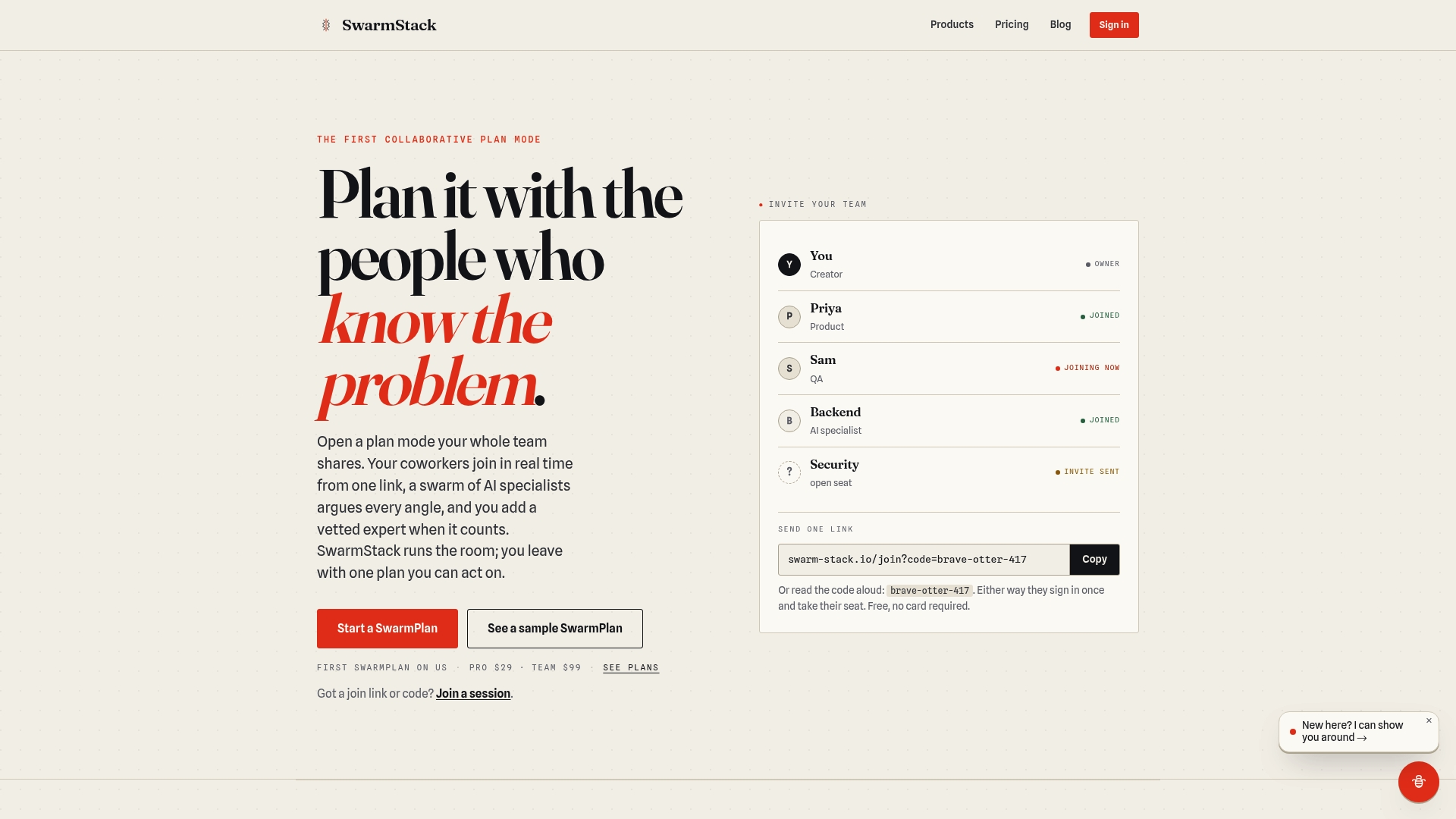
Swarm-stack brings together multiple AI specialists and human reviewers in a single structured session, producing proposals and plans that reflect every angle of a deal. The platform connects directly with your existing CRM and document workflows, so intake and delivery happen without manual data entry. Teams join via a single link, review AI-generated sections in real time, and approve a final deliverable that is ready to send. Swarm-stack's trust and data privacy standards make it a practical choice for teams handling sensitive client information. Review Swarm-stack's pricing to find the plan that fits your proposal volume.
FAQ
What is proposal automation?
Proposal automation is an AI-assisted workflow that generates, personalizes, and delivers business proposals by pulling data from CRM records and content libraries, replacing manual drafting with a structured, repeatable process.
How much time does automating proposals actually save?
Automated workflows reduce proposal creation from 4–8 hours to 15–30 minutes, saving teams 20–35 hours monthly for every 10 proposals sent.
Do I still need a human to review AI-generated proposals?
Yes. Human review catches pricing errors, hallucinated figures, and tone issues before the proposal reaches the client. Fully autonomous sending without a review step creates trust and accuracy risks that outweigh the time saved.
What CRM data does proposal automation require?
At minimum, the workflow needs client name, company, deal value, service scope, and contact details. Incomplete records produce generic or inaccurate proposals, so CRM data hygiene is a prerequisite, not an afterthought.
What happens after a proposal is signed?
Post-signature automation triggers onboarding emails, project folder creation, invoicing, and welcome sequences automatically. This step removes the administrative delay between a signed contract and the start of actual work.